Xero Organisation Settings for UAE Businesses: 2026 Guide
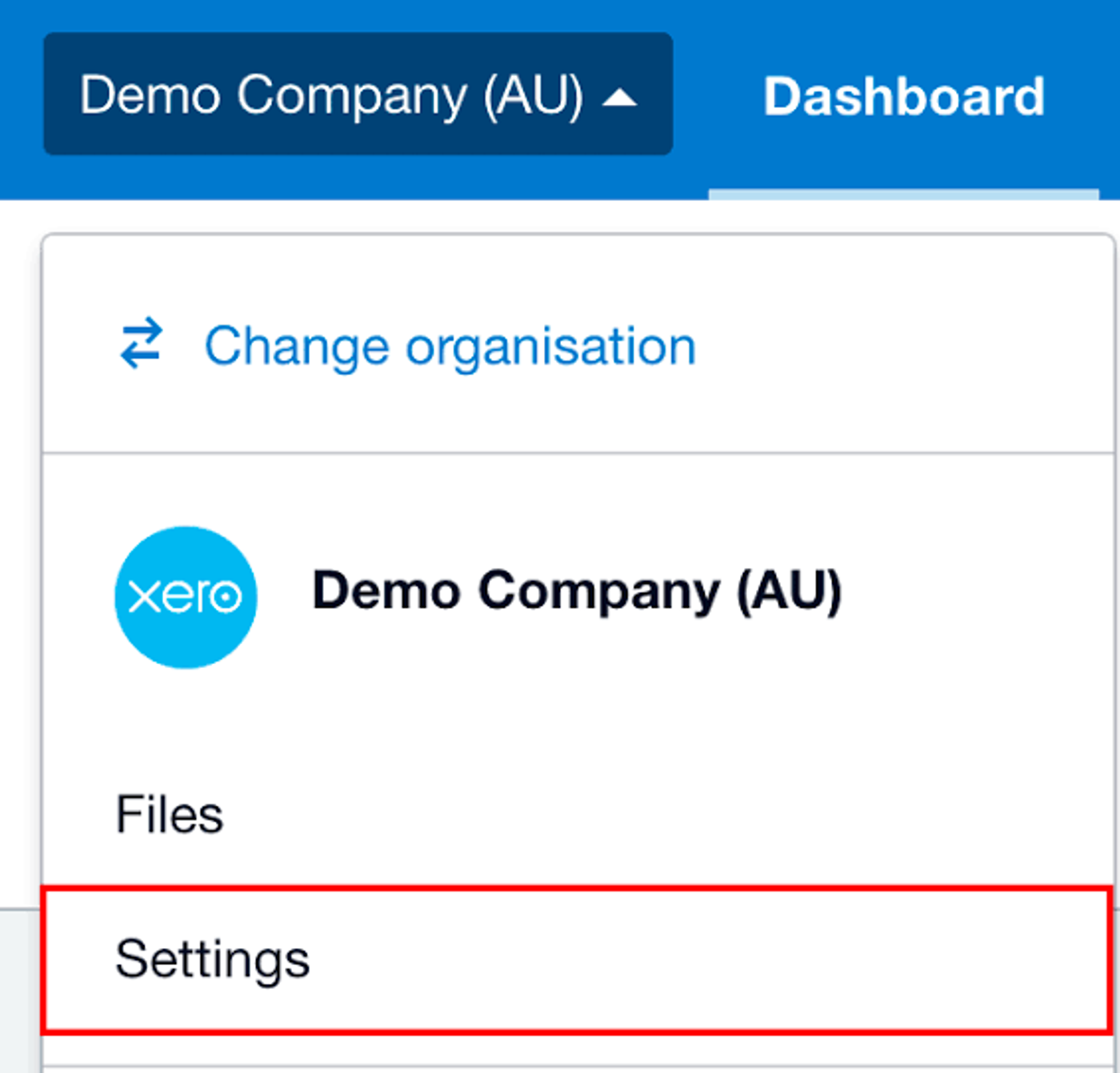
Overview
For a UAE business, Xero organisation settings should reflect the legal entity, financial year, base currency, VAT registration position and the way the finance team will actually operate. The most important choices are the ones that affect reporting and tax workflows later: organisation details, financial settings, tax information, conversion date, user access, invoice settings and bank-account setup.
Xero can be an effective accounting ledger in the UAE, but the software will not correct a bad setup automatically. A few careful decisions before live bookkeeping begins can prevent months of avoidable rework.
What should you configure first in a UAE Xero organisation?
Start with the settings that define the organisation itself before importing transactions or connecting apps. Confirm the legal entity, base currency, financial year, VAT status, conversion date, invoice details and user permissions, then test the resulting reports and invoices.
- Legal business name and business address.
- Base currency and financial year end.
- VAT registration status, TRN and relevant tax settings.
- Conversion date and opening-balance plan.
- Invoice branding, users, permissions and bank-account setup.
In this guide:
- Enter the legal business details correctly
- Choose the base currency deliberately
- Set the financial year end correctly
- Configure VAT only around the business's actual registration
- Review tax defaults rather than trusting them
- Pick a clean conversion date
- Review the chart of accounts before importing transactions
- Configure invoice details before sending the first live invoice
- Add bank accounts separately and test the real connection
- Set user access around responsibilities
- Use lock dates as part of month-end control
- Prepare for UAE eInvoicing without confusing it with PDF invoicing
- Common organisation-setting mistakes to avoid
- UAE Xero organisation setup checklist
- Frequently asked questions
- How Maaliya fits around a correctly configured Xero organisation
- Sources
Maaliya's team can review your Xero setup or take the operational bookkeeping work off your plate once the ledger is configured correctly.
Book a free consultation today!1. Enter the legal business details correctly
1. Enter the legal business details correctly
The organisation name and address in Xero should match the entity whose books you are maintaining. For a UAE company, that generally means using the legal name from the trade licence and keeping the business address accurate.
If you operate multiple UAE entities, do not mix them into one Xero organisation simply because they share shareholders, staff or a brand name. Each legal entity should have accounting records that can be clearly separated.
Before live transactions, compare the Xero organisation details with the trade licence, VAT registration certificate if applicable, bank-account name and the entity name used on customer invoices.
2. Choose the base currency deliberately
2. Choose the base currency deliberately
For many UAE businesses, AED will be the natural base currency. However, the correct functional currency depends on the economic substance of the business, not only where the company is incorporated.
If the business regularly trades in other currencies, use Xero's multi-currency functionality on an eligible plan rather than choosing a different base currency merely because some customers pay in USD, EUR or GBP.
3. Set the financial year end correctly
3. Set the financial year end correctly
The financial year in Xero should match the accounting period the business actually uses for financial reporting. This affects how reports are grouped and how year-end work is organised.
For a newly incorporated UAE business, confirm the intended first accounting period before importing historical data. If the business already has accounts or an established reporting cycle, align Xero with the underlying records rather than choosing a date arbitrarily.
4. Configure VAT only around the business's actual registration
4. Configure VAT only around the business's actual registration
Do not configure UAE VAT simply because the company operates in the UAE. First confirm whether the business is VAT registered, its VAT registration effective date and its Tax Registration Number (TRN).
If the business is registered, enter the TRN accurately and configure the tax setup around the actual effective date. Transactions before and after VAT registration may require different treatment.
For the detailed tax-code setup, read Maaliya's Xero UAE Tax Rates Explained guide.
5. Review tax defaults rather than trusting them
5. Review tax defaults rather than trusting them
Xero's Financial settings include tax-related defaults. Defaults reduce repetitive entry, but they are not a substitute for deciding the correct UAE VAT treatment of each transaction.
A domestic expense account might commonly use 5% purchase VAT, but that does not mean every transaction coded to the account has recoverable 5% VAT. Zero-rated, exempt, out-of-scope, reverse-charge and non-recoverable cases still need transaction-level judgment.
Run your transactions through Maaliya's VAT health checker to confirm the right tax codes are being applied before it becomes a filing problem.
Check VAT Health Now6. Pick a clean conversion date
6. Pick a clean conversion date
For a UAE VAT-registered business, moving at the start of a VAT period can make the VAT reconciliation cleaner because fewer transactions are split between the old system and Xero.
Before entering conversion balances
- Reconcile every bank and credit-card account.
- Reconcile accounts receivable and accounts payable to outstanding invoices and bills.
- Reconcile fixed assets, loans, shareholder balances and the VAT control balance.
- Keep the closing trial balance and migration support from the old system.
7. Review the chart of accounts before importing transactions
7. Review the chart of accounts before importing transactions
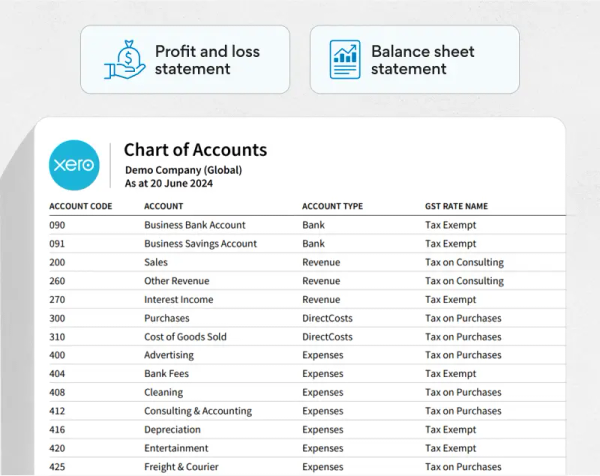
Xero provides a default chart of accounts, but a UAE business should review it before live bookkeeping starts. The structure should make revenue, costs, assets, liabilities, shareholder balances and management reporting easy to understand.
Avoid creating separate ledger accounts merely to represent every VAT percentage. Xero tax treatment should be handled through the appropriate tax-rate setup while the chart of accounts remains focused on financial reporting.
See Maaliya's practical Xero chart of accounts guide for a UAE-focused structure.
8. Configure invoice details before sending the first live invoice
8. Configure invoice details before sending the first live invoice
A correctly posted accounting transaction does not guarantee that the customer-facing invoice contains the information your UAE business needs. Review the invoice branding and final output before sending invoices to customers.
For a VAT-registered UAE supplier, check the legal business name, address, TRN, invoice numbering, dates and VAT presentation. If you invoice in foreign currencies, review the AED tax presentation required for your circumstances as well.
Create at least one realistic test invoice and export the final PDF. Check exactly what the customer will receive rather than relying only on the Xero data-entry screen.
9. Add bank accounts separately and test the real connection
9. Add bank accounts separately and test the real connection
Each real business bank account should generally be represented separately in Xero so it can be reconciled independently. If a bank feed is available, test the exact corporate account rather than assuming support from the bank name alone.
10. Set user access around responsibilities
10. Set user access around responsibilities
Do not give every user full finance access by default. Decide who needs to create invoices, enter bills, change account codes or tax rates, reconcile banks, post journals and review reports.
For a small UAE business, the same person may perform several roles, but responsibility should still be clear. As the business grows, separating preparation, approval and review makes errors easier to detect.
11. Use lock dates as part of month-end control
11. Use lock dates as part of month-end control
Once a month or tax period has been reviewed, use appropriate lock controls so routine users cannot casually change old transactions. A disciplined close normally includes bank reconciliation, aged receivables and payables review, VAT control reconciliation, unusual-journal review and supporting-document checks.
12. Prepare for UAE eInvoicing without confusing it with PDF invoicing
12. Prepare for UAE eInvoicing without confusing it with PDF invoicing
Even before mandatory implementation applies to your business, keep organisation and contact data clean: legal names, tax identifiers, addresses, invoice fields and credit-note processes should be consistent.
Common organisation-setting mistakes to avoid
Common organisation-setting mistakes to avoid
- Legal entity name, address, base currency and financial year confirmed.
- VAT registration status, effective date, TRN and tax defaults reviewed.
- Conversion date, opening balances and chart of accounts reconciled.
- Invoice PDF, bank-feed or import route, users and permissions tested.
- Month-end controls defined and customer/supplier master data cleaned.
Frequently asked questions
AED will be appropriate for many UAE businesses, but the accounting functional currency should reflect the economic substance of the business. International trading alone does not necessarily mean the base currency should be changed.
Yes, if the business is VAT registered. Check it against the FTA registration certificate and verify that the correct tax information appears on customer-facing invoice templates where required.
Many settings can be updated, but changes to core accounting setup can create reporting or reconciliation problems once live transactions exist. Confirm the financial year, tax setup, conversion date and chart before importing significant data.
Xero is FTA-listed as accredited tax accounting software. Its current listing shows version 2026 and validity until March 2027.
How Maaliya fits around a correctly configured Xero organisation
How Maaliya fits around a correctly configured Xero organisation
Xero works best when the underlying organisation settings are clean. Maaliya can then focus on the operational layer around the ledger: document processing, bookkeeping automation, VAT-focused workflows and reconciliation support.
"A good Xero setup should make the correct accounting treatment easier to choose, not force the finance team to repair the same setup mistake every month."
Book a free consultation and Maaliya will walk through your organisation settings, VAT setup and chart of accounts with you.
Book a free consultation today!Related Maaliya content
Xero UAE Setup Guide: How to Configure Xero Properly in 2026
A practical UAE-specific Xero setup guide covering organisation settings, VAT, chart of accounts, bank feeds, migration, invoicing and eInvoicing readiness.
Xero Chart of Accounts UAE: A Practical 2026 Setup Guide
Build a cleaner Xero chart of accounts for a UAE business, with practical account groups, VAT defaults, Corporate Tax considerations and setup mistakes to avoid.
Xero UAE Tax Rates Explained: A Practical 2026 Guide
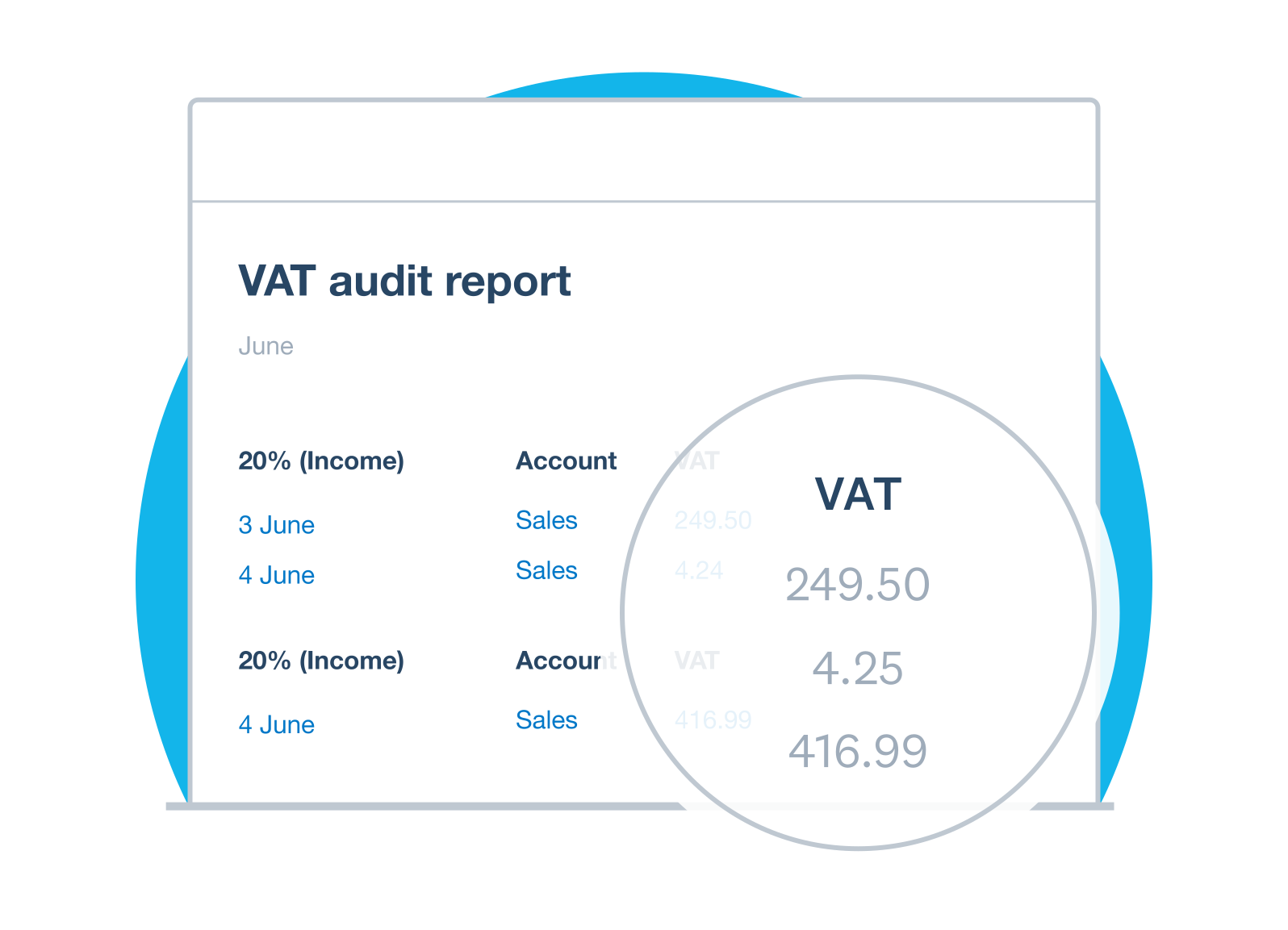
Understand which UAE VAT tax rates and treatments to use in Xero, including 5%, zero-rated, exempt, out-of-scope and reverse-charge transactions.
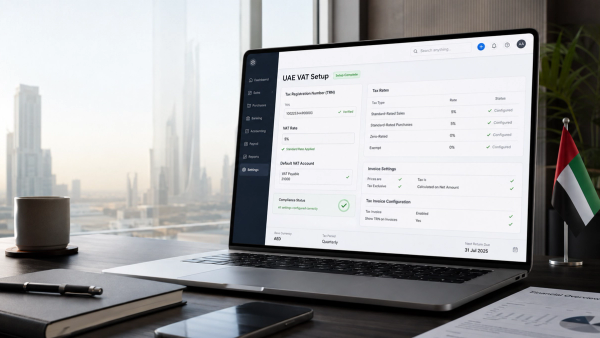
Setting Up Xero for UAE VAT: Step-by-Step Guide
Setting up Xero for UAE VAT takes more than adding a 5% tax rate. This guide walks through TRN setup, VAT codes, invoice configuration, VAT accounts, opening balances and testing your setup.
Sources
Sources
UAE Federal Tax Authority, Value Added Tax (VAT) Registration. Accessed 20 August 2026.
UAE Ministry of Finance, eInvoicing. Accessed 20 August 2026.
Xero UAE, eInvoicing and VAT Software for the UAE. Accessed 20 August 2026.
Xero Central, About manually importing bank statements. Accessed 20 August 2026.
This article is general information only and does not constitute personalised accounting, tax or legal advice. Confirm material setup and compliance decisions against current official guidance and the facts of your business.
Built for the UAE.